





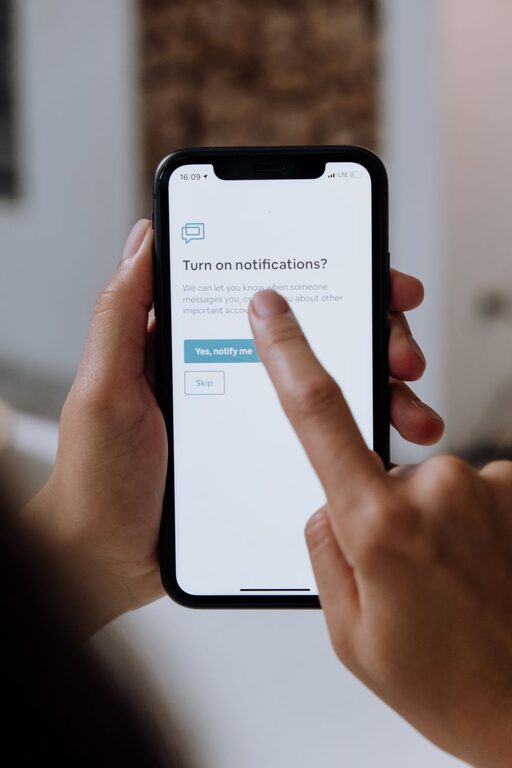
In our digital world, notifications can quickly become overwhelming. While they keep us connected and informed, constant alerts may disrupt our focus and increase stress. Setting boundaries with notifications is essential for maintaining productivity, reducing distractions, and improving overall well-being. This post explores helpful tips to manage notifications effectively and reclaim your time.
Why Setting Boundaries with Notifications Matters
Notifications serve a valuable purpose—they alert us to important updates, messages, and reminders. However, when they arrive too frequently or at inconvenient times, they can fragment your attention and interrupt tasks. This leads to reduced productivity and makes it difficult to concentrate.
Moreover, constant notifications can cause anxiety and make it harder to disconnect from work or social media, blurring the lines between personal and professional life. Setting clear boundaries allows you to control when and how you receive alerts, helping you stay focused and relaxed.
Tips for Managing Notifications Effectively
1. Audit Your Notifications
Start by reviewing the notifications you currently receive across all your devices and apps. Ask yourself:
– Which notifications are essential?
– Which ones do I ignore or find distracting?
Disable or reduce notifications from apps that don’t require immediate attention. Many apps allow you to customize alerts so you only get notified about important events.
2. Use “Do Not Disturb” Modes
Most smartphones and computers offer a “Do Not Disturb” (DND) mode that silences alerts during specific times. Use DND during:
– Focused work sessions
– Meetings or classes
– Personal or family time
– Sleep hours
Some devices allow you to permit calls or messages from specific contacts even when DND is active, which helps maintain important communication without distractions.
3. Schedule Notification-Free Periods
Create intentional breaks where you disconnect from notifications entirely. For example:
– Turn off notifications during meals or exercise
– Avoid notifications right before bedtime
– Set technology-free zones or times in your home
Consistent notification-free periods help reduce stress and improve your ability to focus on the present.
4. Customize Notification Settings by App
Instead of disabling all notifications, tailor settings for each app. Options may include:
– Choosing alert sounds or vibrations
– Turning off badge icons or banners
– Receiving summaries instead of instant alerts
By prioritizing notifications that matter most, you can stay informed without being overwhelmed.
5. Limit Social Media Notifications
Social media apps often generate frequent and non-urgent alerts. Consider:
– Turning off likes, comments, and follower notifications
– Checking social media manually rather than relying on alerts
– Using app timers or blockers to reduce usage
This helps prevent constant interruptions and supports healthier digital habits.
6. Use Email Filters and Priority Inbox Features
Email notifications can be a major distraction. Organize your email so only important messages trigger notifications:
– Set filters to send less urgent emails to separate folders
– Enable priority inbox settings to highlight key contacts or subjects
– Turn off push notifications for bulk or promotional emails
Checking email at scheduled times is usually more effective than reacting to every alert.
7. Communicate Your Boundaries to Others
Let friends, family, and coworkers know when you prefer not to be disturbed. Setting expectations about your availability can reduce pressure to respond immediately and help others respect your focus time.
8. Reflect and Adjust Regularly
Periodically reassess how your notification settings impact your daily routine and mental well-being. Adjust as needed to find the right balance between staying informed and minimizing distractions.
Benefits of Healthy Notification Boundaries
By managing your notifications thoughtfully, you can enjoy several benefits:
– Improved focus and productivity: Fewer interruptions help you stay engaged with tasks.
– Better work-life balance: Limits on work notifications outside office hours support downtime.
– Reduced stress: Less digital noise helps calm your mind.
– More intentional technology use: Awareness of your notifications encourages mindful decisions about screen time.
– Enhanced sleep quality: Minimizing alerts before bed prevents disturbances.
Final Thoughts
Notifications are valuable tools but can easily become disruptive if left unchecked. Taking control by setting clear boundaries empowers you to use technology in a way that supports your goals and well-being. Start with small changes like auditing alerts and scheduling notification-free times, then adjust as you learn what works best for you.
Remember, your time and attention are precious—protect them by managing notifications thoughtfully. With these tips, you can create a more focused, balanced, and peaceful digital experience.




More Stories